Regex Explained for Beginners (With Practical Examples)
Learn regex with simple examples and practical use cases. Understand pattern matching, validation, and how developers use regex in real applications.
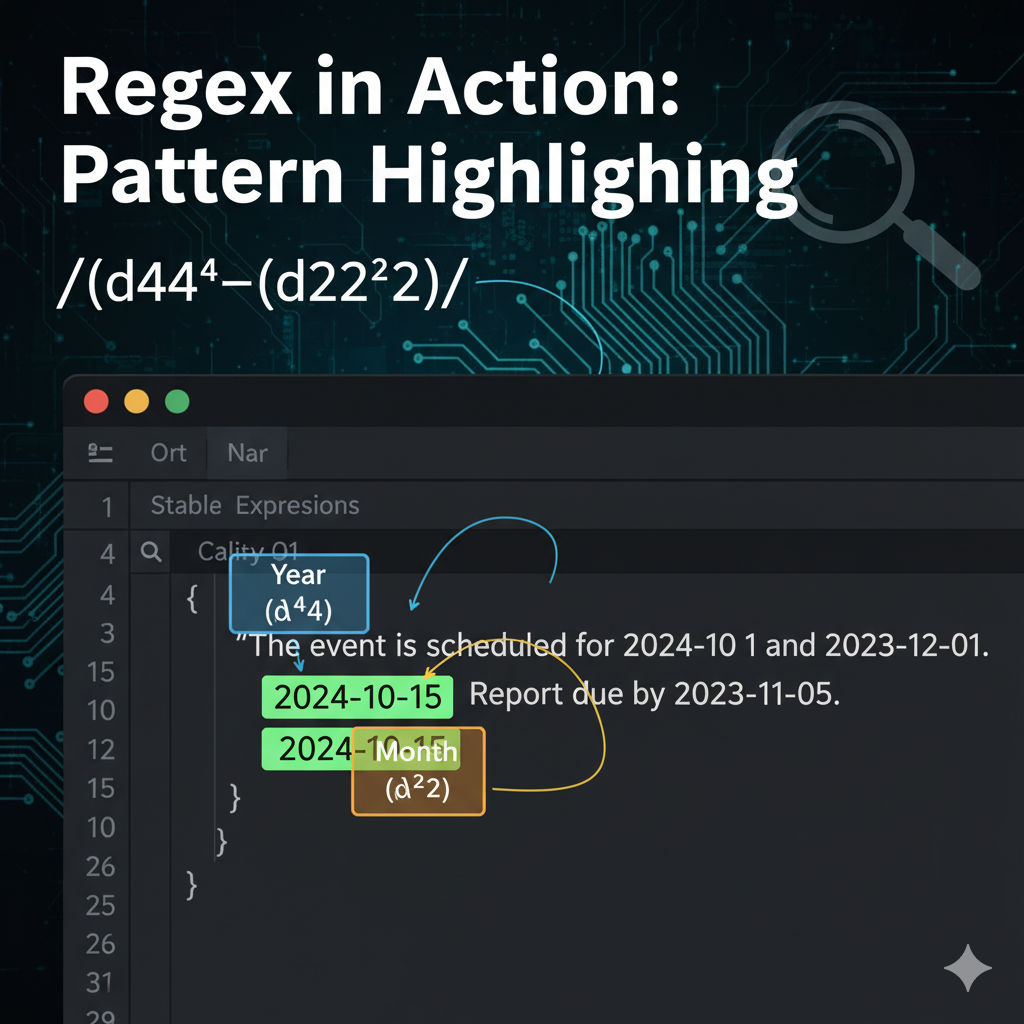
Regex Explained for Beginners (With Simple Examples)
Regular Expressions (Regex) are powerful tools used to search and manipulate text. Developers frequently use regex for validation, pattern matching, and data extraction.
Although regex may appear complex at first, understanding a few basic rules can make it extremely useful.
What is Regex
Regex is a pattern language used to match text strings. It allows developers to define patterns that can search, replace, or validate data.
Example pattern:
\d+This pattern matches one or more digits.
Basic Regex Symbols
Dot Character
The dot symbol matches any character.
Example pattern:
a.cMatches
abc
axc
a1c
Star Operator
The star symbol matches zero or more occurrences of the previous character.
ab*Matches:
a
ab
abb
abbb
Regex Email Validation Example
Regex is commonly used for email validation in forms.
Example pattern:
^[^\s@]+@[^\s@]+\.[^\s@]+$Valid Examples
john@example.com
user@mail.com
Invalid examples:
john@
example.com
Where Regex is Used
Regex is used across many areas of development:
form validation
log parsing
data extraction
search systems
text processing
Conclusion
Regex may seem intimidating initially, but mastering a few patterns can significantly improve productivity. Developers who understand regex can perform complex text processing tasks efficiently.