How to Format JSON Online (Complete Guide for Developers)
Learn how to format JSON online with examples, common errors, and best practices for developers working with APIs.
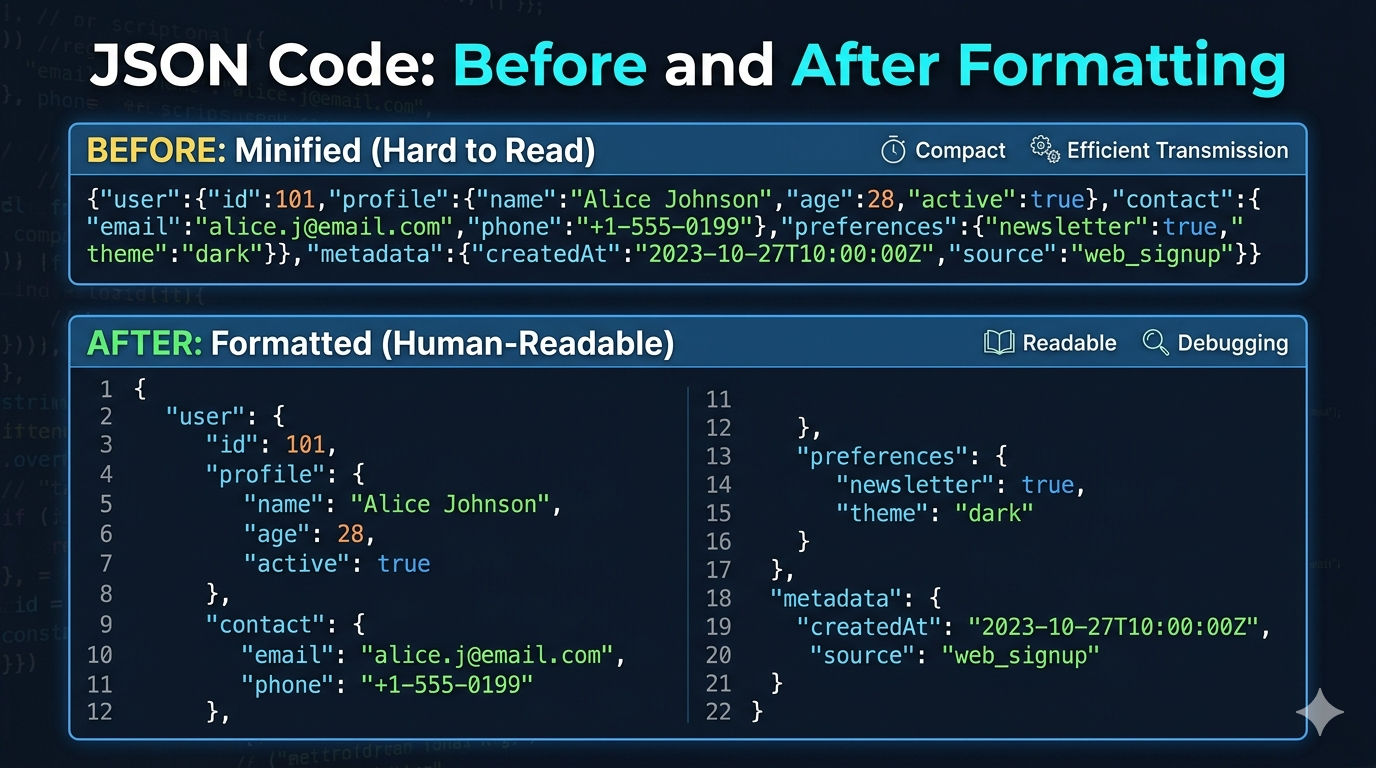
JSON (JavaScript Object Notation) is one of the most widely used data formats in modern web development. APIs, configuration files, and server responses often rely on JSON to exchange data between systems.
However, JSON responses are often returned in a minified format, making them difficult to read and debug.
What is JSON Formatting
SON formatting, also known as JSON beautification, converts compact JSON into a readable structure with indentation and spacing. This helps developers quickly understand the structure of data.
Example of raw JSON:
Code
{"name":"John","age":25,"skills":["javascript","react","node"]}Formatted JSON Example
When formatted correctly, JSON becomes easier to understand and debug.
{
  "name": "John",
  "age": 25,
  "skills": [
    "javascript",
    "react",
    "node"
  ]
}
Why Developers Use JSON Formatters
Developers use JSON formatters to quickly analyze API responses and detect syntax errors. When JSON is properly formatted, nested structures become easier to inspect.
Benefits of JSON Formatting
Formatting JSON provides several advantages for developers working with APIs and configuration files.
easier debugging
improved readability
better collaboration
faster API troubleshooting
Common JSON Errors
When working with JSON, developers often encounter syntax errors.
Missing Comma Example
{
  "name": "John"
  "age": 25
}
This JSON will fail because a comma is missing.
Using an Online JSON Formatter
Online JSON formatter tools allow developers to paste JSON data and instantly beautify it.
Steps:
Copy JSON data
Paste into formatter
Click format
Review structured output
Conclusion
JSON formatting is a simple but essential step when working with APIs. A good JSON formatter can help developers debug faster and understand complex data structures easily.